Check What Adobe Premiere's Android Mobile App Can Edit
This page contains Coupang Partners affiliate links; the operator may earn a commission.
Key Takeaway
On September 22, 2026, Adobe brought the Premiere mobile app to Android. It needs Android 13+ and 5GB of RAM, and the free version covers basic editing.
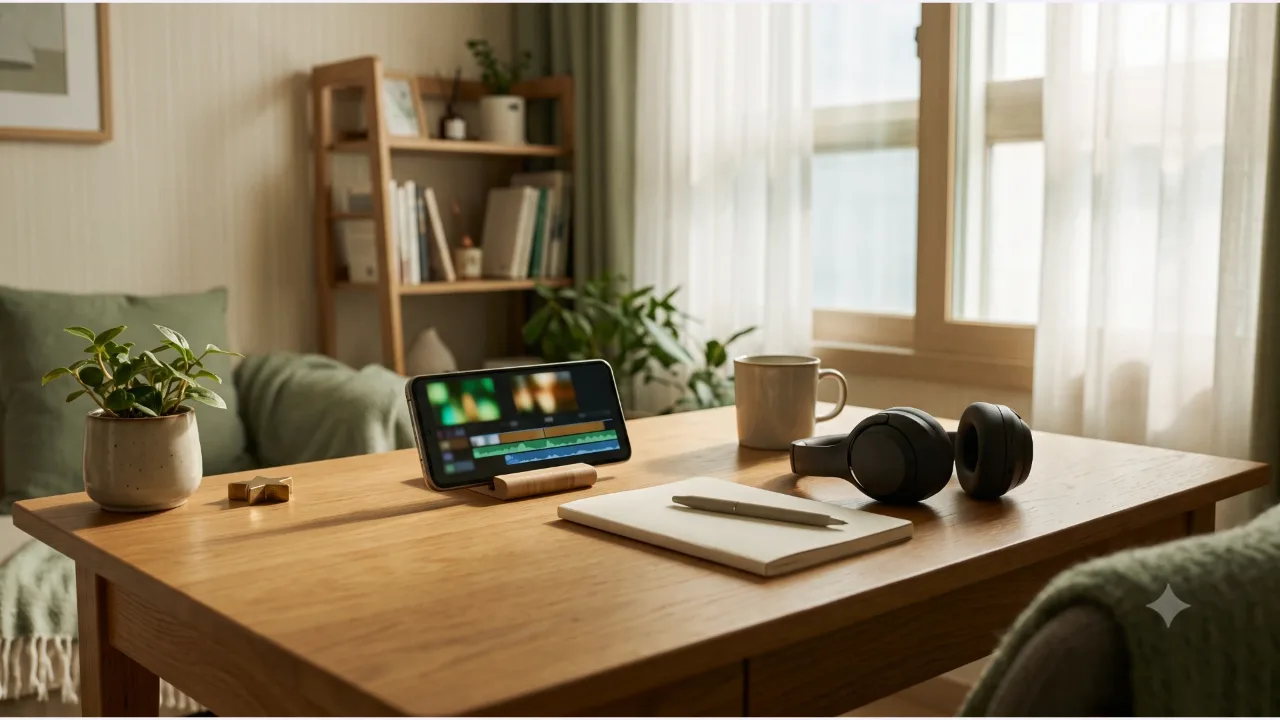
It suits trimming and joining short videos on your phone, while fine control such as keyframes is still only announced.
What conditions does the Android version need?
| Item | What Adobe announced |
|---|---|
| Distribution | Google Play Store |
| Recommended specs | Android 13 or later, 5GB of RAM or more |
| Price | Free version includes basic editing features |
| Paid upgrade | More generative credits and storage (price not disclosed) |
| Existing platforms | The iPhone version launched first, last year |
Adobe said it does not force you to sign in or upgrade, and there are no ads or watermarks. The date checked is 2026-10-08. These specs follow the official guidance, so you cannot assume installation and performance are the same on every device.
What editing features are included?
The basic features in the post are frame-accurate editing, a multitrack timeline that layers video, music, text, voice, and effects, and templates made by creators. The audio enhancement is described as reducing noise with one tap and making interviews or narration clearer. Effects, transitions, and music can come from Adobe Stock, your own files, or audio extracted from a video, and editing and export support up to 4K.
What are the Firefly-based generative features?
Generative fill, an image-to-video feature, and sound effect generation, all based on Firefly, were introduced. The post does not say how much of this is open in the free version or how many credits you get. If you plan to use generated results for work or advertising, check the in-app terms of use first.
What features are coming?
Adobe previewed Adobe Fonts, enhanced captions, keyframes, cropping, beat detection, and the ability to continue editing in desktop Premiere. It did not give release dates. If the app you use now lacks these features, that is not a bug; they simply have not shipped yet.
Is it the right app for your work?
Going by the announced features alone, this is an app focused on editing short videos directly on your phone. Fine adjustments such as keyframes and cropping are still only announced. If you need detailed motion work, it is safer to check the supported range and split the job with desktop editing.
Devices with less than 5GB of RAM are outside the official specs. Even if it installs, you cannot assume it will run stably.
What should you check about materials and output?
Before you upload, sort out the usage rights for your photos, video, and music. For Adobe Stock material, check the license scope; for your own files, check whether they include a third party's likeness or copyrighted work. Play back scenes made with generative features yourself before publishing and check for anything that looks off.
What do you look at last before installing?
Whether your device is supported, and the pricing, are on the Premiere app page in Google Play and in Adobe's official help. Features and pricing can change, so check once more right before you install.
Frequently Asked Questions
Can I install it on my Android device?
Adobe described devices with Android 13 or later and at least 5GB of RAM as the baseline. The post does not say whether specific models are supported, so check the Google Play app page.
Is it completely free?
The post says the free version includes the basic video editing features. There is a separate upgrade that adds generative credits and storage, and the post does not state the price or the free allowance.
When do the announced features arrive?
It said fonts, enhanced captions, keyframes, cropping, beat detection, and more are coming soon, but gave no schedule.
Sources & Verification Date
All materials have been verified from official announcements and may have changed since verification.