Carry a Design System Into a Campaign Mockup in Figma Weave
This page contains Coupang Partners affiliate links; the operator may earn a commission.
Key Takeaway
In Figma Weave, you can keep a design system's frames linked, apply one effect to several images, and send editable text back to Figma Design to build a campaign mockup.
The workflow example released on October 1 shows this order.
How do you bring in the original frames?
A Figma node brings a frame from Design into Weave and keeps the link. When you edit the original, the change is reflected in the linked node as well.
The example is set in a fictional museum. Read it separately from case studies of real customers' results. Official Figma workflow example
How should you divide the roles of reference materials?
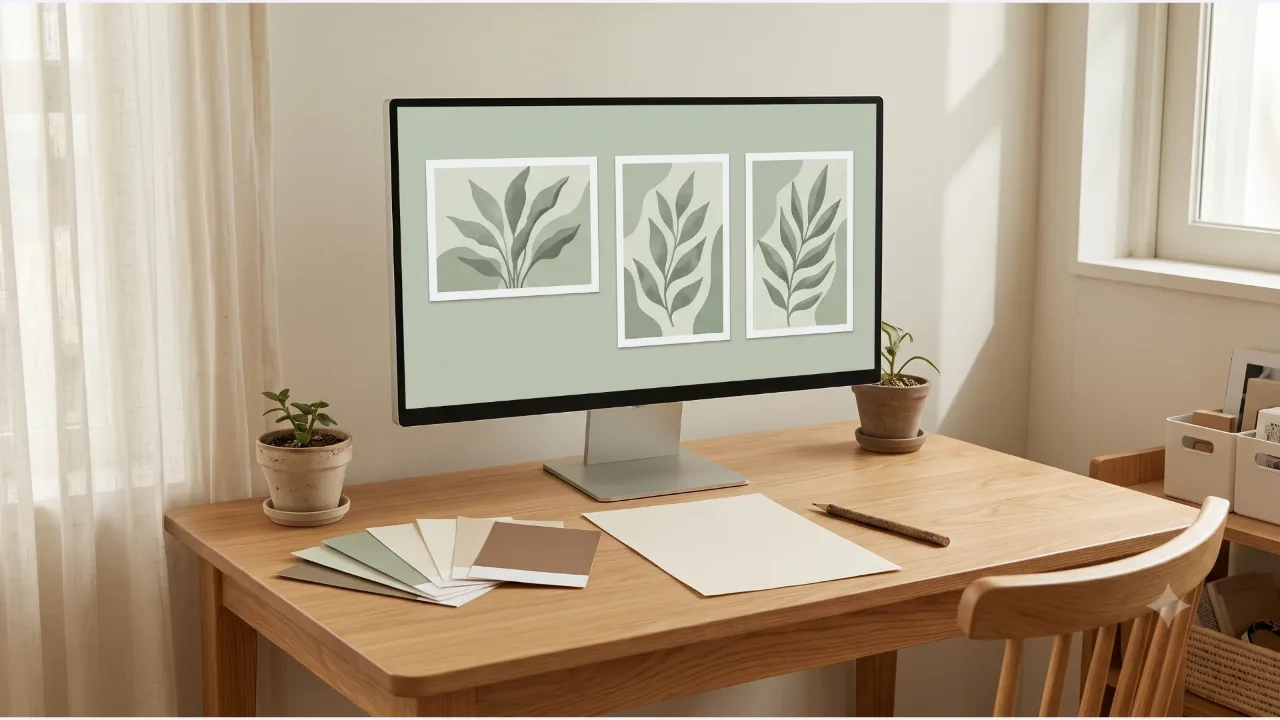
Before you put in color swatches, layouts, and photos all at once, write down what judgment each one helps with. For instance, use the swatches for the allowed color range, the layout for margins and text position, and the photos as a reference for the subject and mood. This is a suggestion for organizing the work.
| Material | Question to settle first |
|---|---|
| Color swatches | How will you divide background and accent colors |
| Layout | Is there enough space to place the text |
| Original photo | Does the subject survive at other aspect ratios |
What do you check when reusing an effect?
A Gen Effect is a node that applies a visual effect to a result, and the official post explains that results can vary slightly every time you run it. Once you choose the effect you want, you can apply it to several images. Official example using Gen Effect
You need to judge separately whether an effect chosen on a photo with a plain background also suits a complex photo. Also check whether the subject still reads on a printed poster and on a small social card.
Where do you refine the text and final composition?
The example sends results that went through a per-language Any LLM node back to Design and keeps the text as editable text. Final layout adjustments happen in Design. Workflow that keeps text editable
For a Korean-language mockup, first read through the line breaks, particles, and proper names. Even with a link to the original, you cannot assume the finished output is always updated automatically.
The date the feature descriptions were checked is 2026-10-10. Check plans and generation limits separately in your account.
Frequently Asked Questions
Does copying a Figma frame break the link?
In the official example, the Figma node stays linked to the original frame and reflects changes from Design in Weave.
Is the official example from a real museum?
It is a workflow example set in a fictional museum. Do not read it as a case proving a real customer's production time or results.
Does the same effect always give the same result?
The official post explains that results vary slightly each time you run a Gen Effect. Compare several results.
Sources & Verification Date
All materials have been verified from official announcements and may have changed since verification.